Free YouTube.
Without ads.
Watch YouTube without ads on your Android phone or TV with Meedtube+, a free, independent client. Go further with CleanWatch sponsor skipping, Shorts controls and playback your way.
No Meedtube+ subscription Android & TV Independent software
 Meedtube+THE BIG SCREEN, REIMAGINED
everyday.4K when available · Your chosen quality
Product illustration. Actual app content and layout may differ.
Free YouTube viewing. More control over interruptions.
Meedtube+ is designed for ad-free YouTube viewing without a Meedtube+ subscription. CleanWatch adds optional skipping for sponsor segments inside videos, when community data is available.
Explore the free YouTube app and its limits ↗ · YouTube sans pub : application gratuite ↗
More video.
Less getting in the way.
Sponsors, long intros, repeated reminders. CleanWatch lets you choose what stays and what gets skipped—when community segment information is available.
A little preview of more control.
Interactive illustration, not real playback. Segment availability varies by video. See how it works ↗
A better kind
of screen time.
Skip the noise.
Keep the story.
Set an action for each supported segment category. Automatic, prompted, or left alone.
Your viewing, your choice ↗ 02 / SHORTS CONTROLShorts on
your terms.
Choose where Shorts appear and how they behave. Put your attention back in your hands.
Take control of your feed ↗ 03 / KIDS MODELess clutter.
More family time.
Simpler navigation and protected settings. A calmer interface, with choices made by you.
Explore the family settings ↗ 04 / ADVANCED PLAYERFind your
perfect playback.
Quality, speed, audio and subtitles. Big-screen controls that stay within reach.
Meet your player ↗The phone app is
more than a companion.
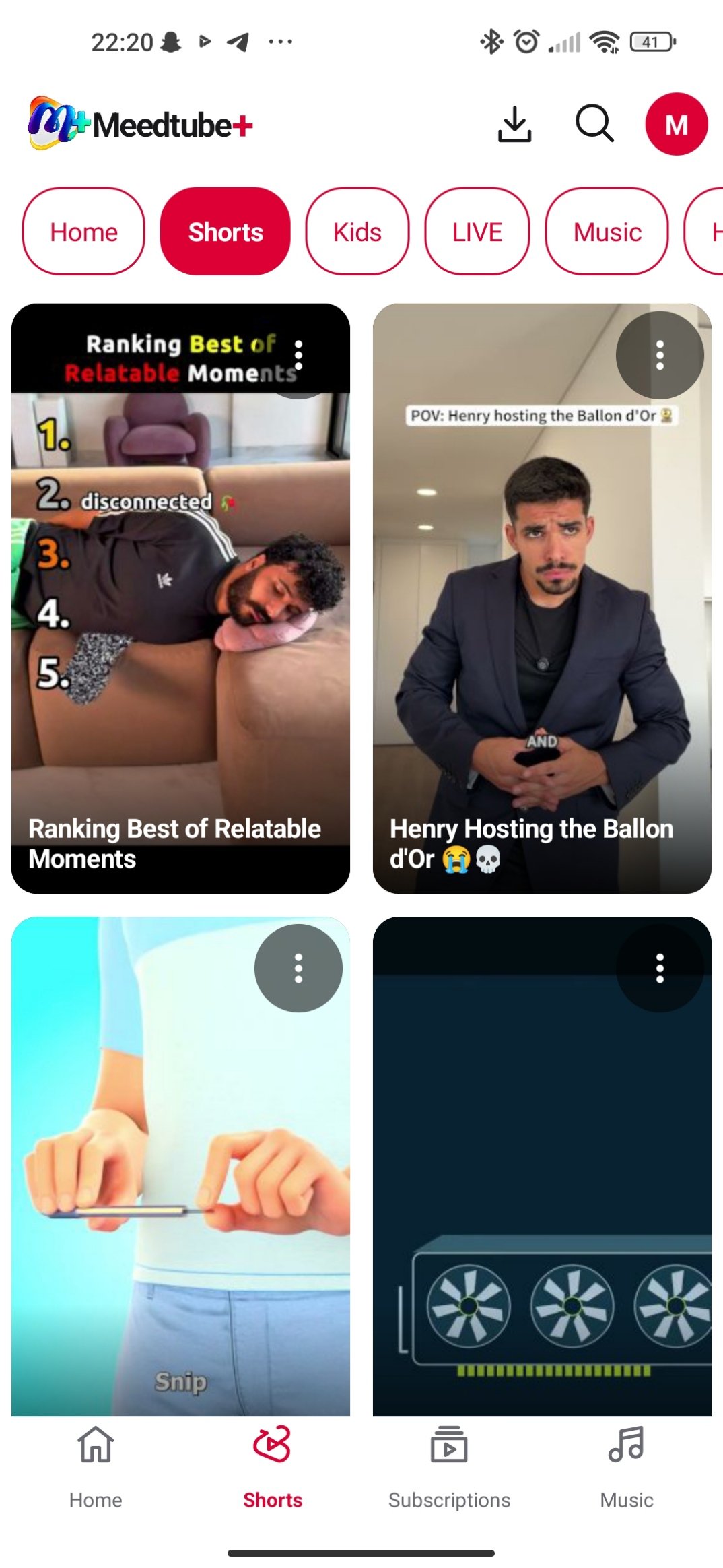
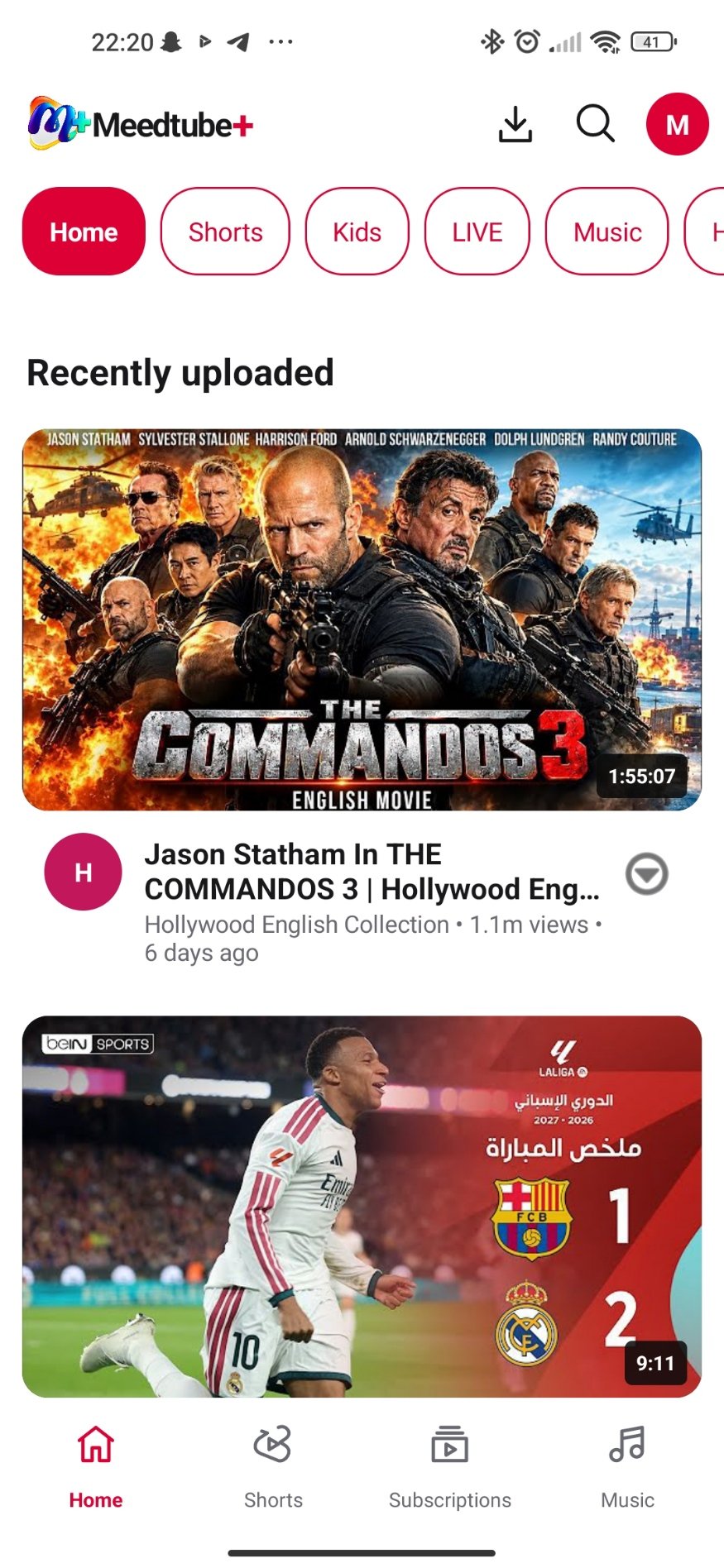
Browse, watch, save supported formats for offline use and keep playback close with mini-player and picture-in-picture support.
Big screen.
Small learning curve.
A clear focus. A familiar remote. Everything where you expect it.
Browse with the D-pad, press OK to select, and use Back to return. No touchscreen required.
Find your way around ↗From download
to discovery.
Pick your device. Install the APK. Open the app and scan the setup QR on your phone.
Free YouTube. Without ads.
Get Meedtube+ for Android and TV. Add sponsor skipping, Shorts controls and playback your way.